How it works
From upload to reviewed files
Follow one municipal PDF from upload to the files a reviewer gets back.
On this page
Step 1
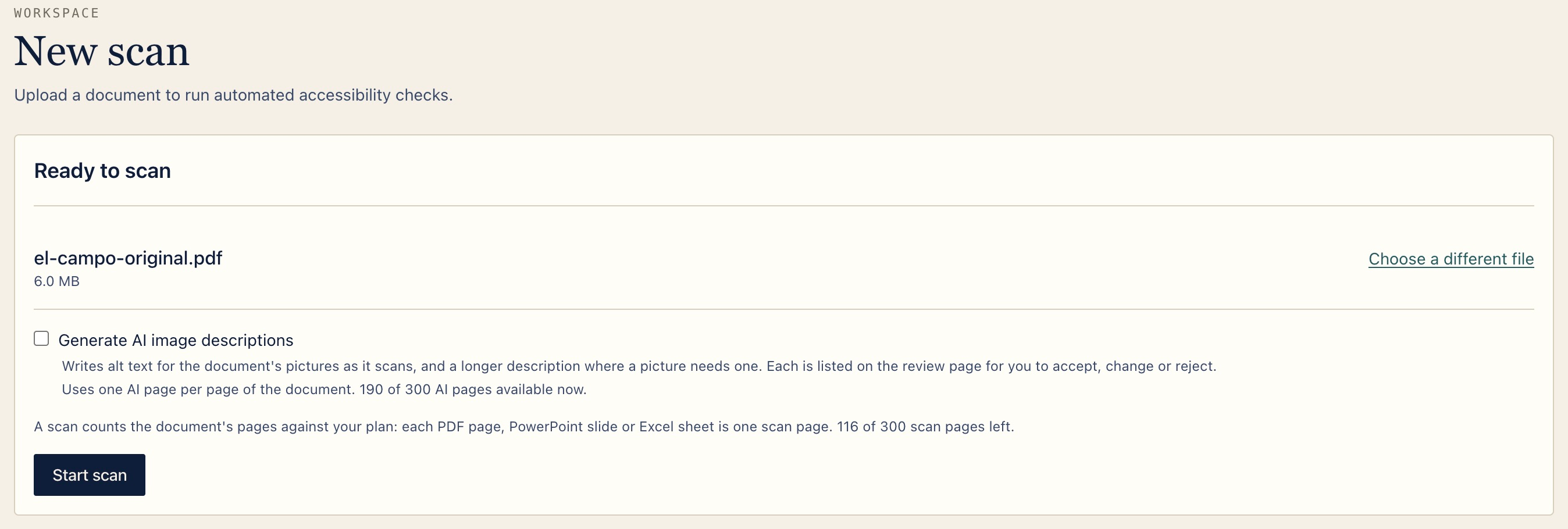
Upload
Start with the source document you want to make more accessible.
Upload through the portal, or send documents through the WordPress plugin, API or a storage pipeline. Access is arranged with Atrium during a pilot.
Keep the sourceKeep your original document so you can compare it with the returned file using your own checkers.
Upload in Atrium Portal screenshot
Step 2
Automatic structure and checks
Atrium reads the document into a structure of text, headings, figures and tables. Scanned pages go through text recognition.
The checking engine runs 38 checks in 8 categories:
- Images
- Headings
- Tables
- Language
- Structure
- Source-level
- Contrast
- Reading order
Mechanical fixes
A missing document heading, text that should be a list, or a passage without a language tag can be fixed by deterministic rules, with no AI involved. Atrium applies those edits and checks the result again.
Image descriptions and table captions need judgment. Atrium can draft them for a person to review.
The built-in checks identify issues; they do not settle whether a document works for its readers. The El Campo case summarizes separate results from external checkers.
Step 3
Review
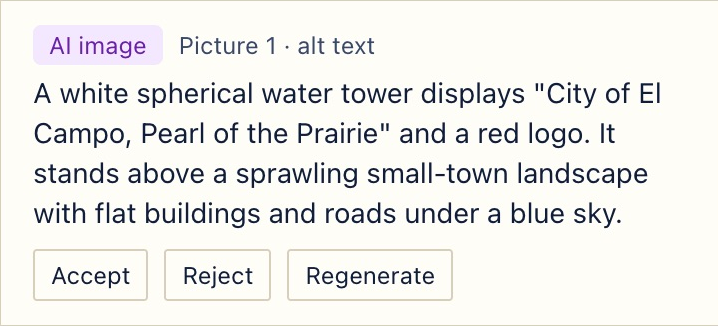
A reviewer works through the flagged issues and drafted edits in the portal. For the El Campo report, Atrium drafted 44 of the 45 edits; a person wrote 1 and reviewed the drafts.
Each edit records whether it came from a person, Atrium or the source document, and when it was reviewed. Accepting an Atrium draft keeps its machine provenance and adds a review record.
Review an image description Portal screenshot
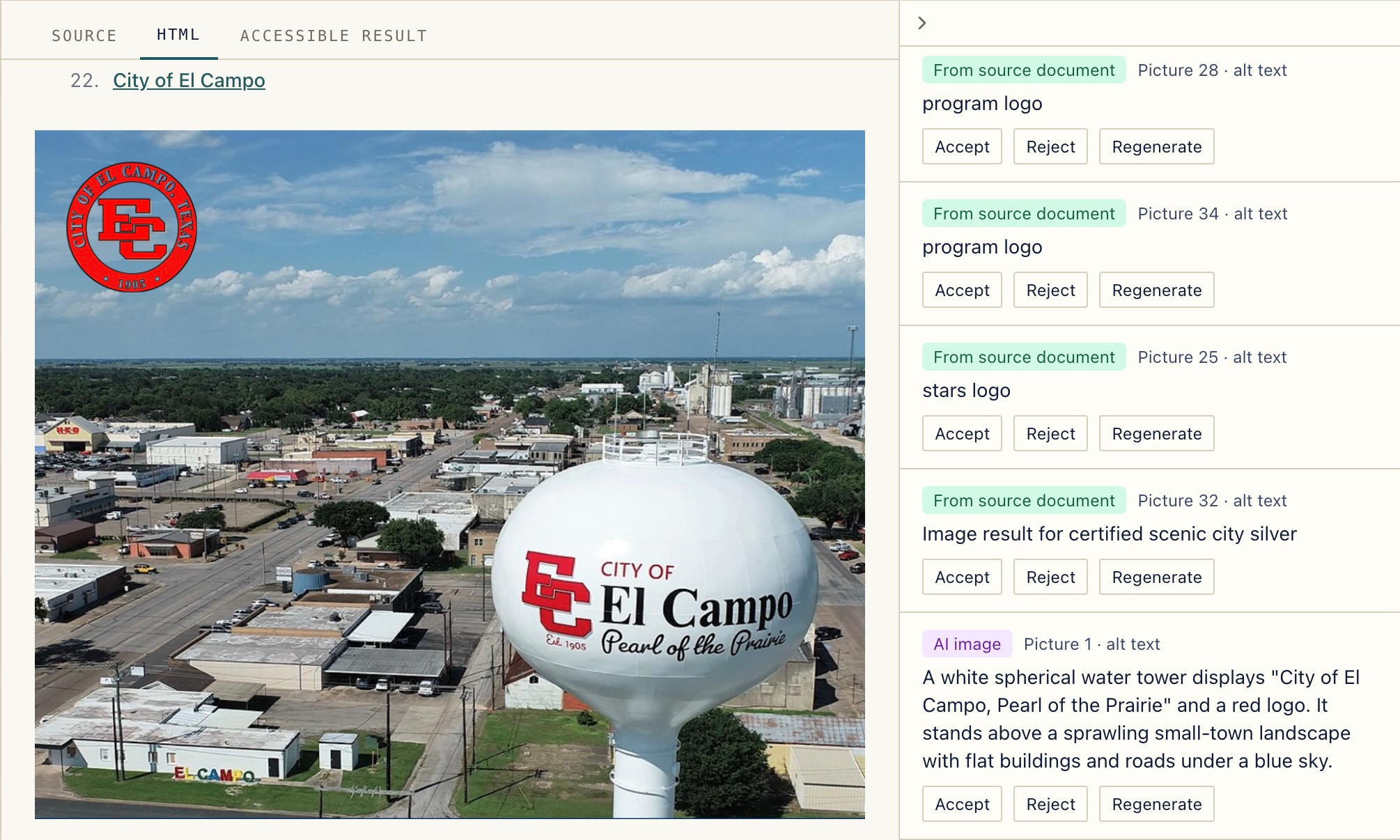
Alt text from tagged PDFsDescriptions recovered from tagged source PDFs are kept. Bulk drafting does not replace them; a reviewer can request a new draft for one specific image.
Expert reviewYou can flag a document for an Atrium expert to review, within your account's allowance. The request opens that document for the expert.
The 15 edit types
These are the kinds of changes recorded on a document. Table structure is generated by Atrium; it is not a manual editing control.
- Alt text: Describe what an image communicates.
- Decorative: Mark an image that carries no information as decorative.
- Heading level: Set a heading’s place in the document hierarchy.
- Table caption: Give a table a caption.
- Link text: Replace generic link wording. Current review findings do not offer this edit.
- Reading order: Set the sequence in which document elements are read.
- Language span: Identify a passage written in another language.
- List structure: Turn paragraphs that look like a list into a structured list.
- Table header: Identify a table’s header row or column.
- Document language: Set the primary language of the document.
- Reclassify: Treat an item mistaken for a table as a figure that needs a description.
- Long description: Add a longer explanation for a figure that needs more detail.
- Document title: Confirm or change the document’s title.
- Not a heading: Return text mistaken for a heading to ordinary body text.
- Table structure: Correct the structure of a parsed table. This edit is machine-only; it is not entered by a reviewer.
Step 4
Export
For the El Campo PDF, the returned files are a tagged PDF and accessible HTML. Atrium declares PDF/UA-1 only when the file passes validation.
You can also export a conformance statement for a document or project, labelled for WCAG 2.1 AA, ADA Title II or Section 508. Each claim points to stored evidence. The statement describes what was checked and found; it is not a certificate.
Read the external checker results or contact us about the evaluation. Checker findings and review notes are listed alongside the measurements.
Check the returned fileA clean checker pass, ours included, is necessary evidence, not proof.
Export choices Portal screenshot

What goes in and what comes out
PowerPoint and Excel inputs produce accessible HTML, without a tagged PDF or same-format Office output. Word files are accepted at upload but do not run end to end yet.
Storage pipelinesStorage pipelines write accessible HTML only. They do not write a tagged PDF.
| Input | Accessible output | Limits |
|---|---|---|
| Tagged PDF and accessible HTML | Born-digital or scanned. PDF/UA-1 is declared only after validation passes. | |
| Images | Tagged PDF and accessible HTML | PNG, JPEG, TIFF, BMP, WebP and GIF. |
| PowerPoint and Excel | Accessible HTML | No tagged PDF and no same-format Office output. |
| CSV, HTML, Markdown, AsciiDoc and LaTeX | Accessible HTML | Tagged PDF output is for PDF and image inputs. |
| Word | Not available end to end | Accepted at upload, but Word doesn't run end to end yet. |
Try your own documents
A pilot gives you returned files and checker evidence from a slice of your own backlog.